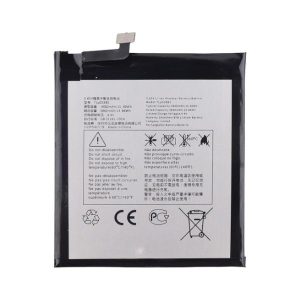
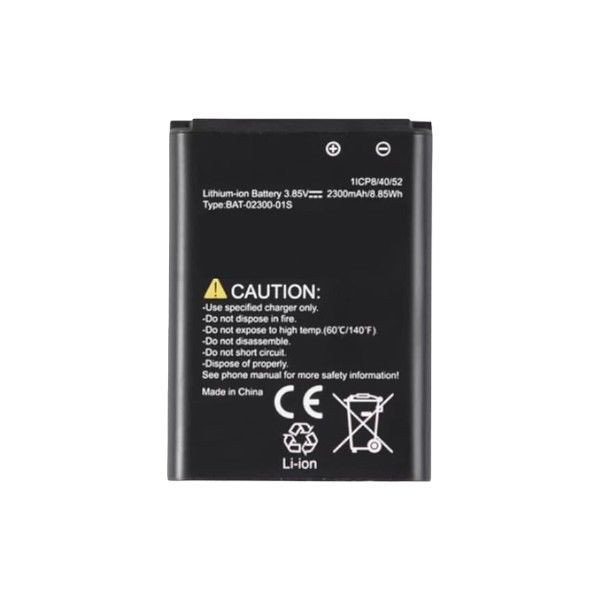
Power through your day with the Sonim XP3 Plus (XP3900) battery. Engineered for durability and performance, this high-capacity lithium-ion battery ensures your device stays powered up when you need it most. Designed specifically for rugged environments, this battery is built to withstand tough conditions.
Instructions
-
Battery Installation:
- Power off your Sonim XP3 Plus device.
- Remove the battery cover according to the device’s user manual.
- Carefully insert the new battery into the device, aligning the contacts correctly.
- Replace the battery cover securely.
-
Charging:
- Use the included or compatible charging cable to connect your device to a power source.
- The battery indicator on your device will show the charging status.
- For optimal battery life, avoid fully discharging the battery before recharging.
Important Notes:
- To maximize battery life, avoid exposing the battery to extreme temperatures.
- Do not attempt to disassemble or modify the battery.
- Dispose of the battery properly according to local regulations.
Disclaimer: This information is provided for general guidance only. Refer to the user manual for specific instructions.Professional installation is recommended for optimal results. Improper installation may void warranties and damage your device
Sonim XP3 Plus/XP3900/BAT-02300-01S