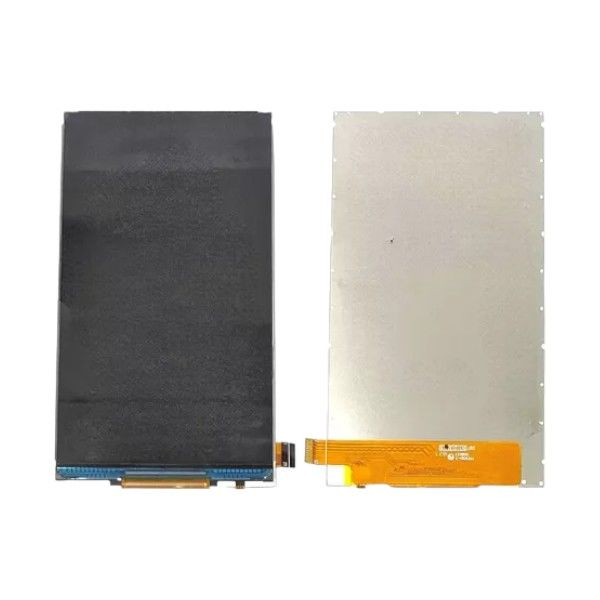



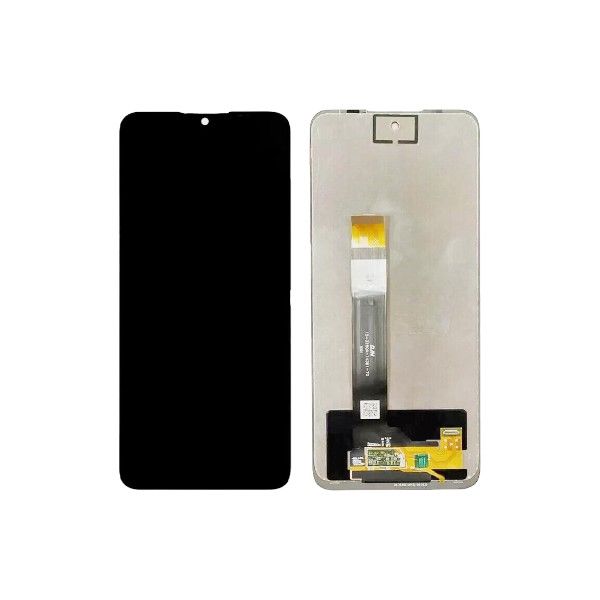
Boost Celero3 5G / Boost Celero5G (2024) LCD Assembly
$20.65
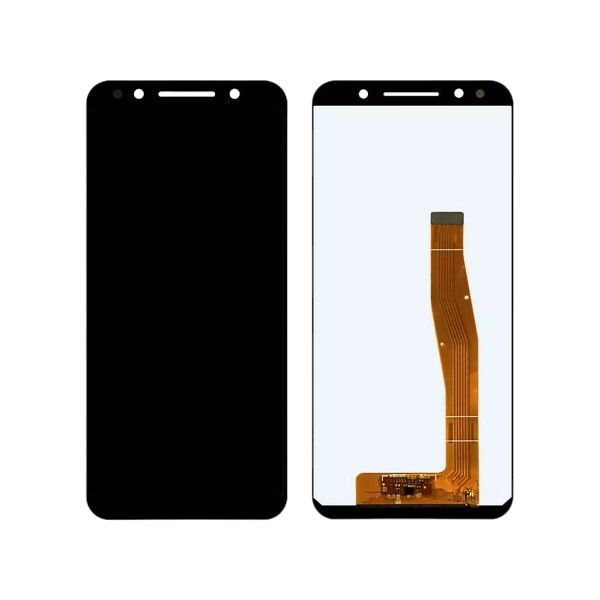
LCD ASSEMBLY – BST CELERO 3 5G (U653DS)/BST CELERO5G (2024)
Product Description
This replacement LCD assembly is specifically designed for the Boost Celero3 5G and Boost Celero5G (2024) models. It features a black display and includes the touch screen functionality. This part is intended to replace a cracked, broken, or unresponsive original screen.
Repair Instructions
Disclaimer: This information is provided for general guidance only. Replacing components is a delicate process and requires technical expertise. Incorrect installation can damage your device. Consider seeking professional repair services if you are unsure about the process. Repair may void warranty, please refer to manufacturer terms and conditions before proceeding with the repair.
Tools Needed:
- Phillips head screwdriver
- Opening tools (spudger or plastic pry tool)
- Suction cup (optional)
Instructions:
- Power Off Your Phone: Ensure your phone is completely turned off before starting the repair.
- Remove Back Cover: Carefully remove the back cover of your phone using a suitable opening tool.
- Disconnect Battery: Disconnect the battery connector to prevent accidental power-on during the repair.
- Remove Old LCD Assembly: Gently detach the old LCD assembly from the phone, disconnecting any cables connected to it.
- Transfer Components: If necessary, transfer components like the front camera, earpiece, or proximity sensor from the old assembly to the new one.
- Install New LCD Assembly: Carefully align the new LCD assembly and connect all necessary cables.
- Reconnect Battery: Reconnect the battery connector.
- Reassemble Phone: Replace the back cover and secure it properly.
Important Notes:
- Use caution when handling the new LCD assembly to avoid damage.
- Ensure all connections are secure before reassembling the phone.
- Test the new screen after installation to verify proper functionality.
Additional Tips:
- Watch repair tutorials online for visual guidance.
- Use a heat gun or hair dryer to soften adhesive on the back cover if it is difficult to remove.
- Be patient and work carefully throughout the repair process.
Boost Celero3 5G/U653DS/Boost Celero5G (2024)
Related products